

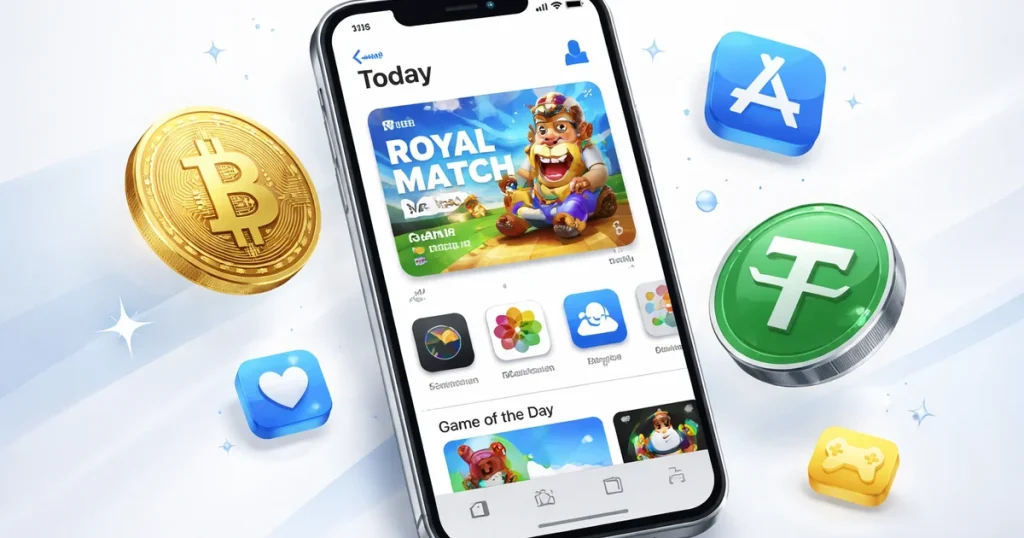
Apple won’t take your USDT. No crypto checkout on the App Store, no Bitcoin option on Apple Music, nothing. If your money lives on-chain, Apple’s ecosystem is effectively cash-only — unless you know the workaround most crypto users already figured out.
Buy an App Store & iTunes US gift card with crypto, redeem it to your Apple Account balance, and spend it like any other dollar. No bank, no credit card, no region headaches.
Why This Problem Is Bigger Than It Looks
Apple’s payment system is locked down by design. To buy anything on the App Store, you need a billing method that matches your Apple ID region — a US card for the US store, a UK card for the UK store, and so on. Crypto wallets don’t fit that model at all. There’s no “pay with crypto” option anywhere in Apple’s checkout flow.
This hits hardest for three groups of users. First, people living outside the US who set up a US Apple ID to access apps not available in their local store — they can’t link a local card to a US account. Second, crypto-first users who don’t maintain a traditional bank account or credit card. Third, anyone with privacy concerns who doesn’t want their Apple purchases tied to a bank statement.
The gift card route solves all three cases with the same mechanism: you convert crypto to Apple Account balance, and Apple never needs to know how you got the funds.
What Your Apple Account Balance Actually Covers
Apple Account balance works across the full ecosystem — and the list is longer than most people realize:
- App Store — paid apps, in-app purchases, game currency, subscriptions
- Apple Music — individual ($10.99/mo), student, or family plans
- Apple TV+ — streaming service, Apple Originals, add-on channels
- Apple Arcade — $6.99/mo for 200+ games, no ads, no extra purchases
- iCloud+ — 50GB ($0.99/mo), 200GB ($2.99/mo), or 2TB ($9.99/mo)
- Apple One bundle — combines Music, TV+, Arcade, and iCloud+ at a discount
- apple.com purchases — iPhone, iPad, AirPods, MacBook, Apple Watch, accessories
- iTunes Store — movies, TV shows, digital rentals
For someone running three or four Apple subscriptions, a single gift card top-up covers everything in one go.
Custom Amounts: No Wasted Balance
Unlike Steam or Google Play, which sell fixed denominations ($10, $25, $50), the US iTunes card on BuyCard uses a custom amount input. You enter exactly what you need — from roughly $3 to $505 per card.
This removes the most annoying part of gift card math. If you’re paying for Apple Music individual plan at $10.99 a month, you buy $11. Not $15 and sit with $4 you’ll spend on nothing. Not $10 and get declined because it’s 99 cents short after tax.
If you’re making a bigger purchase — say a $999 MacBook Air from apple.com — buy two $505 cards and cover it entirely from crypto. Apple lets you stack balances, and there’s no cap on how much you can hold in your account.
Region Matching: The One Rule You Can’t Skip
The US gift card only works with a US Apple ID. If your Apple ID is registered in the UK, Germany, Australia, or anywhere else, the US card won’t redeem — Apple will reject it at the point of entry and won’t refund it.
Before buying, check: iPhone → Settings → tap your name at the top → the country listed under your Apple ID. That’s your store region, and that’s the card you need.
BuyCard has separate listings for most major markets. Turkey is worth knowing about — the Turkish App Store runs in lira, and the exchange rate makes it significantly cheaper for iOS in-app purchases and subscriptions compared to the US store. Beyond that, Ireland, Portugal, Saudi Arabia, Netherlands, UAE, France, Germany, and Canada are all available.
The US version has been the top-selling Apple card on BuyCard over the past 30 days — no surprise given how many non-US users maintain US Apple IDs specifically for app access. But pick the right region first.
How the Purchase and Redemption Flow Works
- Go to the App Store & iTunes US card on BuyCard
- Enter your amount — minimum ~$3, maximum ~$505 per card
- Select your crypto: USDT (TRC20 or ERC20), Bitcoin, Ethereum, Litecoin, or 30+ others
- Complete checkout — email only, no KYC, no account required
- TRC20 confirms in under 60 seconds — your code is in your email before you switch tabs
- To redeem: on iPhone go to Settings → [your name] → Media & Purchases → Redeem Gift Card or Code; on a Mac go to apple.com/redeem
The balance shows up immediately after redemption. No waiting, no processing delay.
The Tax Detail Most People Miss
Apple charges sales tax on purchases in most US states. The gift card balance covers it, but it means your $9.99 Apple Music renewal might cost $10.85 in California or $10.74 in New York. If you’re loading exactly enough to cover a subscription, add a small buffer — a few extra dollars prevents an awkward balance-too-low situation mid-renewal.
For ongoing subscriptions, Apple’s billing logic works in your favor: it charges your Apple Account balance first, before hitting any linked card. Keep the balance above your monthly subscription total, and your apps and services run without interruption — regardless of what happens with your bank account or card.
Comparing Options: Why Gift Cards Beat the Alternatives
There are a few other ways to get Apple credit with crypto. Virtual VISA or Mastercard services exist, but they typically require identity verification, charge conversion fees, and sometimes decline on Apple’s payment system due to card type restrictions.
The gift card approach is simpler: it’s a native Apple payment method, it works every time, and BuyCard’s pricing on the US version is transparent — you see the USD cost in crypto equivalent before you confirm. No hidden fees tacked on at checkout.
For someone making regular Apple purchases, the math is straightforward: buy gift cards monthly, cover your subscriptions, move on.

Leave a Reply